

Disclosures.io
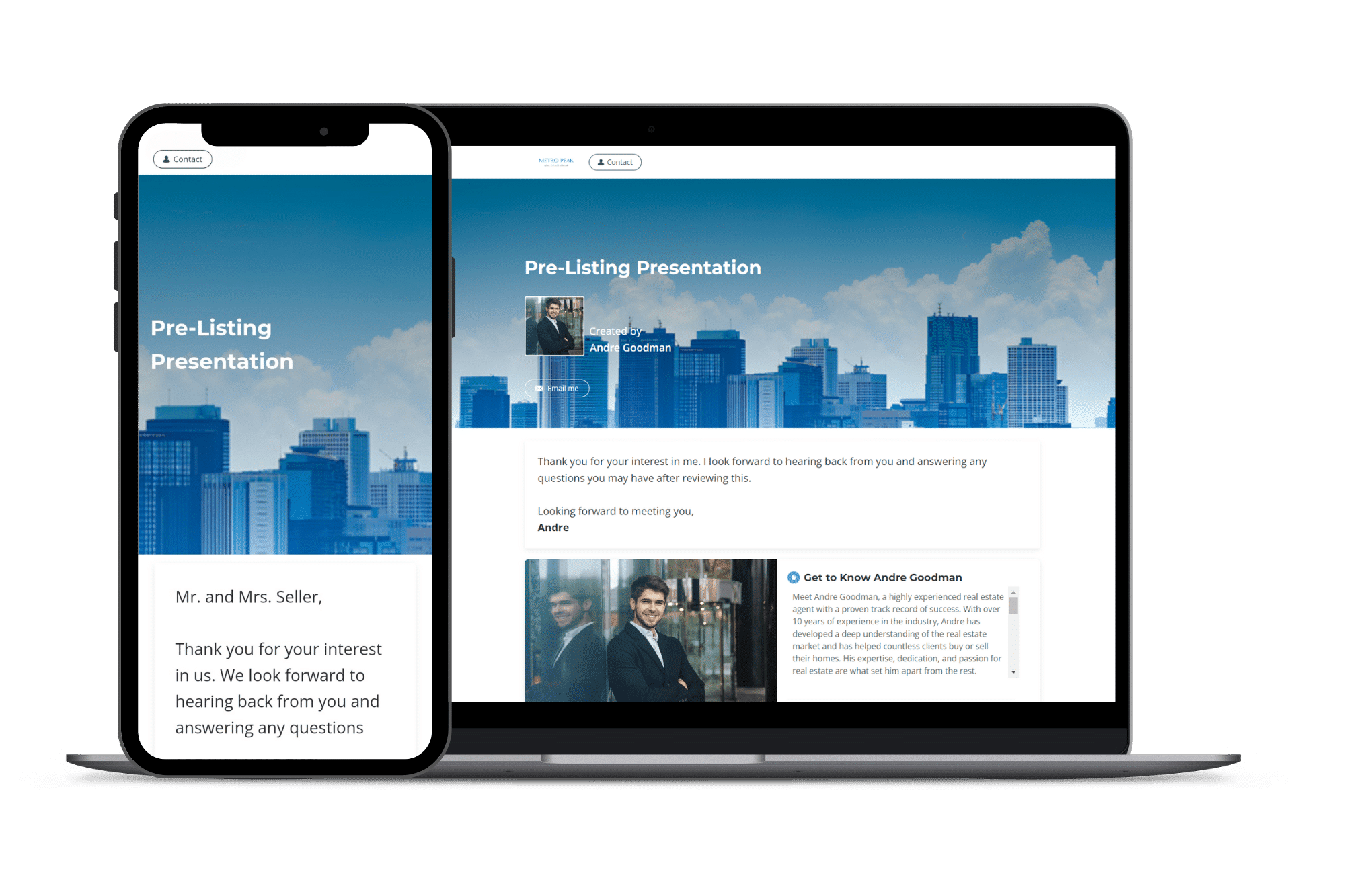
HomeLight Listing Management, formerly known as Disclosures.io, is a platform that simplifies property disclosure management for real estate agents. It allows agents to upload, organize, and share disclosure documents in a professional and branded format, enhancing client presentations.
With real-time tracking, agents can see who has viewed, downloaded, or signed the docs, reducing back-and-forth communication and improving transparency. This tool helps ensure that all necessary disclosures are in place, streamlining the transaction process and helping agents deliver a smooth, professional experience for buyers and sellers alike.

How it Works
If you have ever scrambled to track down a disclosure before a deadline, you understand why this tool exists. Disclosures.io, now called HomeLight Listing Management, is a platform for organizing, sharing, and tracking all your listing disclosures in one place.
The way it works is simple. You upload all your disclosure documents to the platform and create a branded disclosure package. When buyers or their agents want to review disclosures, you send them a link. They can view everything online, sign digitally, and you get notified the moment they access the documents.
The tracking feature is where Disclosures.io really shines. You can see exactly who has viewed your disclosures, how long they spent, and whether they downloaded anything. This helps you gauge buyer interest before offers even come in.
For California agents specifically, managing disclosures is non-negotiable. The state requires a stack of seller disclosures, and missing or incomplete documents can delay closings or create liability. Disclosures.io keeps everything organized and makes sure nothing slips through the cracks. This is one of the tools our TC team uses regularly to keep transactions on track.
The platform also helps listing agents look more professional. A clean, branded disclosure package signals competence. Buyer agents appreciate working with someone who has their documents in order.
Quick Setup Tips
- Upload disclosures as soon as you take the listing, even before going live
- Customize your disclosure package with your branding for a professional look
- Review the activity dashboard regularly to see which buyers are most interested
Real Estate Use Cases
- Creating branded disclosure packages for every listing
- Tracking which buyers have reviewed disclosures and how engaged they are
- Collecting signed documents digitally without chasing down paperwork
- Keeping all listing documents organized and accessible in one place
FAQ's
Yes. HomeLight acquired Disclosures.io and rebranded it, but the functionality remains the same.
Pricing varies. Check with HomeLight directly for current plans.
It includes digital signature functionality for disclosures, but most agents still use DocuSign or their transaction management platform for contracts and addenda.
Other Tools You Might Like

AHrefs
Heading 1
Heading 2
Heading 3
Heading 4
Heading 5
Heading 6
Lorem ipsum dolor sit amet, consectetur adipiscing elit, sed do eiusmod tempor incididunt ut labore et dolore magna aliqua. Ut enim ad minim veniam, quis nostrud exercitation ullamco laboris nisi ut aliquip ex ea commodo consequat. Duis aute irure dolor in reprehenderit in voluptate velit esse cillum dolore eu fugiat nulla pariatur.
Block quote
Ordered list
- Item 1
- Item 2
- Item 3
Unordered list
- Item A
- Item B
- Item C
Bold text
Emphasis
Superscript
Subscript

Follow Up Boss
Heading 1
Heading 2
Heading 3
Heading 4
Heading 5
Heading 6
Lorem ipsum dolor sit amet, consectetur adipiscing elit, sed do eiusmod tempor incididunt ut labore et dolore magna aliqua. Ut enim ad minim veniam, quis nostrud exercitation ullamco laboris nisi ut aliquip ex ea commodo consequat. Duis aute irure dolor in reprehenderit in voluptate velit esse cillum dolore eu fugiat nulla pariatur.
Block quote
Ordered list
- Item 1
- Item 2
- Item 3
Unordered list
- Item A
- Item B
- Item C
Bold text
Emphasis
Superscript
Subscript
Highnote
Heading 1
Heading 2
Heading 3
Heading 4
Heading 5
Heading 6
Lorem ipsum dolor sit amet, consectetur adipiscing elit, sed do eiusmod tempor incididunt ut labore et dolore magna aliqua. Ut enim ad minim veniam, quis nostrud exercitation ullamco laboris nisi ut aliquip ex ea commodo consequat. Duis aute irure dolor in reprehenderit in voluptate velit esse cillum dolore eu fugiat nulla pariatur.
Block quote
Ordered list
- Item 1
- Item 2
- Item 3
Unordered list
- Item A
- Item B
- Item C
Bold text
Emphasis
Superscript
Subscript

Elementor
Heading 1
Heading 2
Heading 3
Heading 4
Heading 5
Heading 6
Lorem ipsum dolor sit amet, consectetur adipiscing elit, sed do eiusmod tempor incididunt ut labore et dolore magna aliqua. Ut enim ad minim veniam, quis nostrud exercitation ullamco laboris nisi ut aliquip ex ea commodo consequat. Duis aute irure dolor in reprehenderit in voluptate velit esse cillum dolore eu fugiat nulla pariatur.
Block quote
Ordered list
- Item 1
- Item 2
- Item 3
Unordered list
- Item A
- Item B
- Item C
Bold text
Emphasis
Superscript
Subscript
